Download 8200 — Full Experience on Android App & Mobile Browser
This page covers how to download and set up the 8200 app or mobile site, which devices it supports, and how to get started quickly after downloading.

What's in the Download section
Download Android App
The 8200 Android app is available as an APK file, downloadable and installable directly from the browser. Since it's installed outside the Google Play Store, you'll need to enable "Unknown sources" in your settings. The app is lightweight and takes up just a few megabytes of storage.
Works on Android 5.0 and above.
Direct access via mobile browser
No app needed — simply visit 8200.wine in any mobile browser to access the platform directly. The page is fully optimized for mobile, with large buttons, clear navigation, and fast load times. All you need is an internet connection.
Tested on Chrome, Firefox, and Samsung Internet browsers.
Add a shortcut to your home screen
You can also add a shortcut to your home screen from the browser for an app-like experience. In Chrome, use the "Add to Home Screen" option — next time, just tap the icon to open it directly without launching the browser.
It runs as a PWA and operates in full-screen mode.
Updates & New Versions
The 8200 app is updated regularly. When a new version is available, you'll see a notification inside the app. The browser version always reflects the latest updates automatically — no separate download needed.
Updates bring new games and features.
Step-by-Step Installation
First time downloading? Just follow the steps below — the whole process takes under 5 minutes.
Go to the Security or Privacy section in your settings and enable "Install unknown apps" or "Unknown sources". Without this, the APK file will not install.
Tap the download link on the 8200 page. The APK file will be saved to your phone's Downloads folder.
Go to your Downloads folder and tap the file. Tap "Install" to complete the installation.
Open the app once installation is complete. New users can register, returning users can log in — and you're ready to go.

Deposit & Withdrawal Steps in the App
Adding funds to your account is easy once the app is installed. Here's the full process, step by step.
- Log in to the app and go to the "Payment" section.
- Select Mobile Pay, Nagad, or Rocket.
- Enter the amount and send it to the number provided.
- Save the transaction ID — your balance will be updated within 15–30 minutes.
- Open the "Transactions" section in the app.
- Select your withdrawal amount and method.
- Confirm your registered number.
- Submit your request — processing takes 30–60 minutes.
| Payment Methods | Processing Time | Minimum Amount |
|---|---|---|
| Mobile Pay | 10–20 minutes | ৳100 |
| Nagad | 15–30 minutes | ৳500 |
| Rocket | 15–30 minutes | ৳200 |
App vs. Mobile Browser — Which One Is Right for You
Which option suits you best depends on your device and how you use it. The comparison below should make the choice straightforward.
| Features | Android App | Mobile Browser |
|---|---|---|
| Installation required | Yes (APK) | No, Opens Directly |
| Push Notifications | Available | Limited |
| Offline access | Partial | No |
| Update | Manual or Automatic | Always the latest version |
| IOS support | No (Use Safari instead) | Yes |
Access from Anywhere in Bangladesh

Using the app in rural and semi-urban areas
8200 works smoothly on mobile data in smaller cities like Bogura, Rangpur, and Mymensingh. The app is optimized for low data usage, so you get a great experience even on slower networks.
Live access during cricket matches
Stream directly from the app during BPL or international matches On Live Sports Events Bets can be placed. With push notifications enabled, you'll receive updates before a match kicks off.
Young people from farming families in Rangpur and Rajshahi are also using this platform with ease on their smartphones. The Bangla interface makes it simple for newcomers to get started.

A fresh start on Pohela Boishakh
Many people try something new at the start of the year. Downloading the 8200 app during Pohela Boishakh and joining Sports Betting or Lottery for the first time has become a popular way to celebrate.
Special offers are active during festive periods. Full welcome bonus details are available right after you register.
Real-world use cases

Uninterrupted Access On the Go
Whether you're visiting Rangpur or Cox's Bazar, the 8200 app runs just as smoothly on mobile data. Keep push notifications on to stay updated on live sports matches.
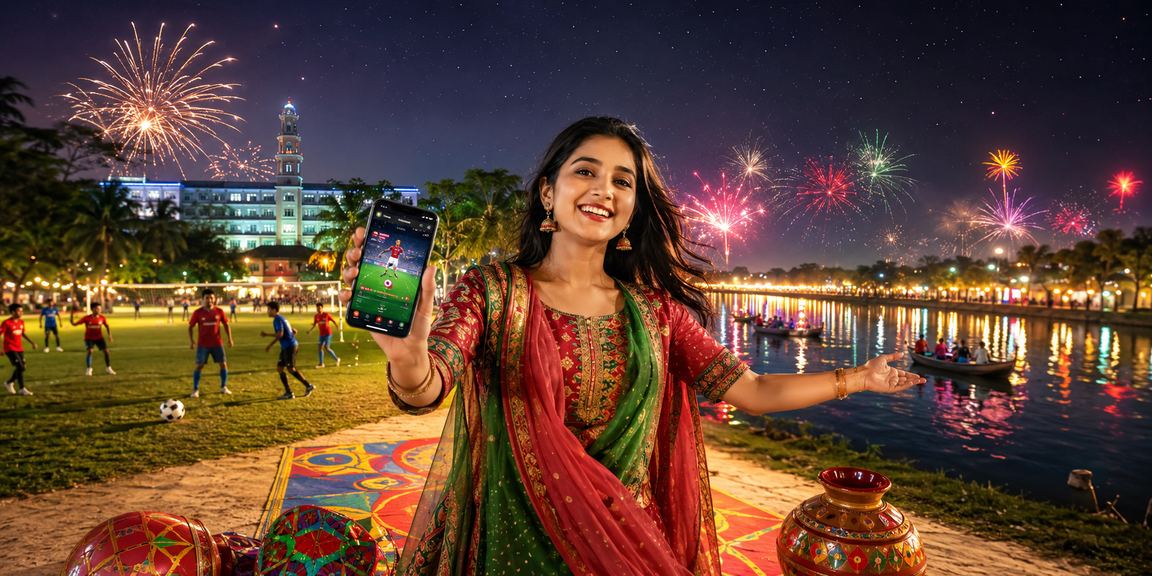
Enjoy the Eid holidays with your family
For many people in Mymensingh, heading home for Eid and placing bets on the 8200 app while watching a football match with family has become a favourite way to celebrate. Eid bonus details are visible right after you log in.
Device Compatibility & App Overview
| Feature / Dimension | Android App | Mobile Browser | Desktop Browser |
|---|---|---|---|
| Minimum Android version | 5.0 (Lollipop) | Not Applicable | Not Applicable |
| IOS support | No | In Safari Browser | Yes |
| Notifications | Push Notifications | Limited | Browser Notifications |
| Data Usage | Low (optimized) | Medium | High |